> ## Documentation Index
> Fetch the complete documentation index at: https://docs.zaidkayed.com/llms.txt
> Use this file to discover all available pages before exploring further.
# Price
> Filter out products by prices & find zero-priced products.
## General
Control which products you want to filter. For example, if you want to ensure a reasonable margin on high-priced products, you can combine the `price` and `margin` filters to check that all products above a certain price meet the margin you specify.
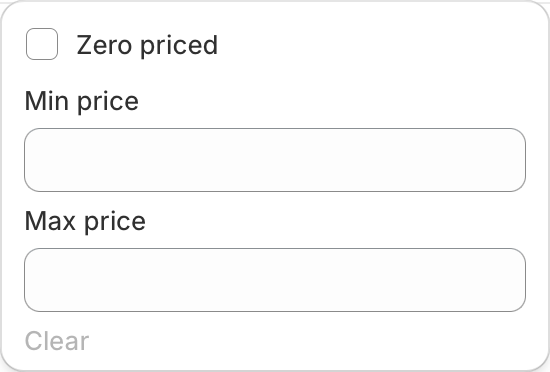 `Zero priced` checkbox gets all products which have a price set to exactly zero.
Can't be combined with price range filter.
You could set `Min price` & `Max price` to search for products in that range.
## Example
Filtering by `Zero priced` filter.
`Zero priced` checkbox gets all products which have a price set to exactly zero.
Can't be combined with price range filter.
You could set `Min price` & `Max price` to search for products in that range.
## Example
Filtering by `Zero priced` filter.
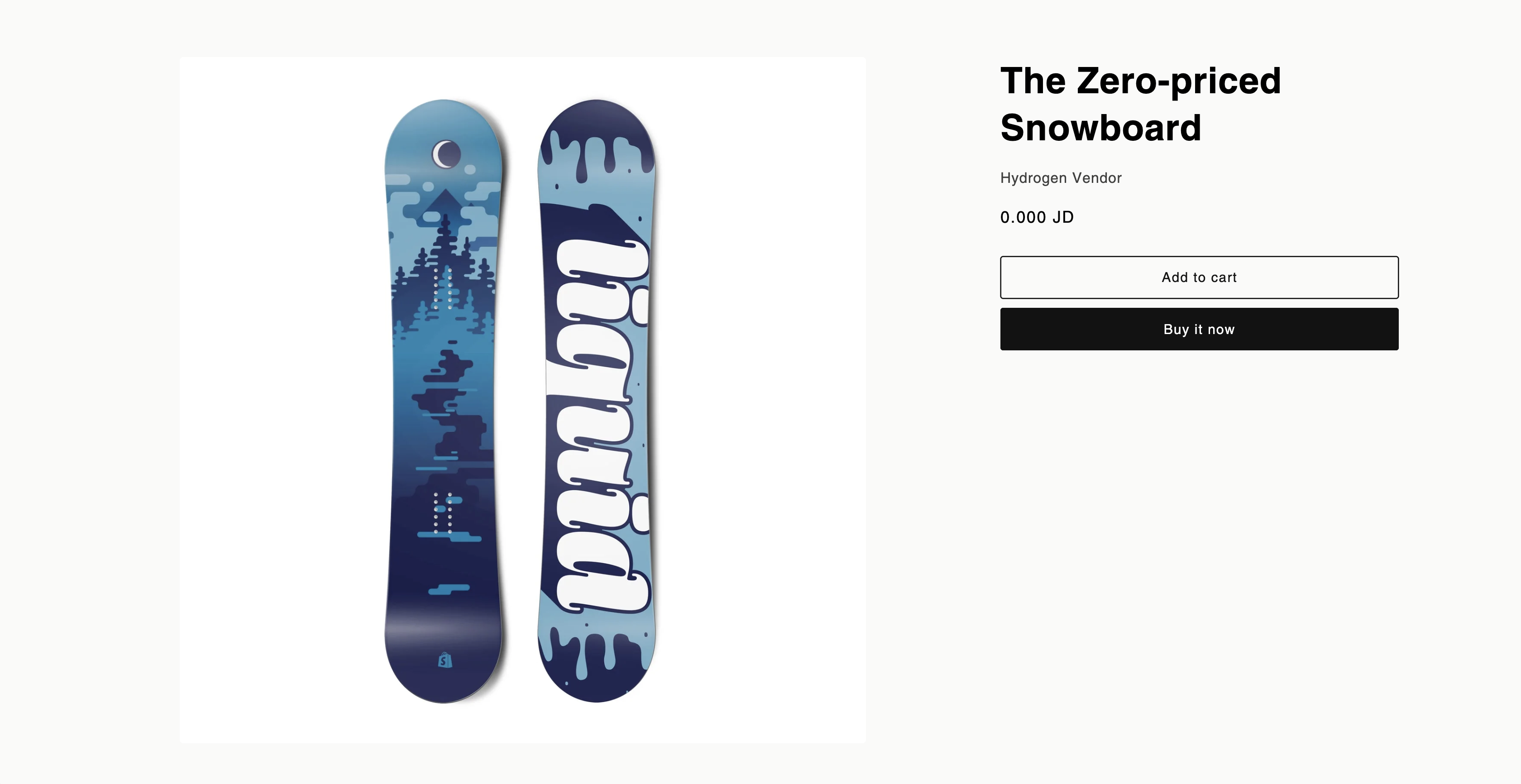
 We have found a product which sells for exactly zero.